Issue #56
使用macOS自带的语音听写功能作为输入方式,省时省力人工主写
近 30 天0 次浏览0 位访客统计截至 2026-10-19 · GA4
太长不看
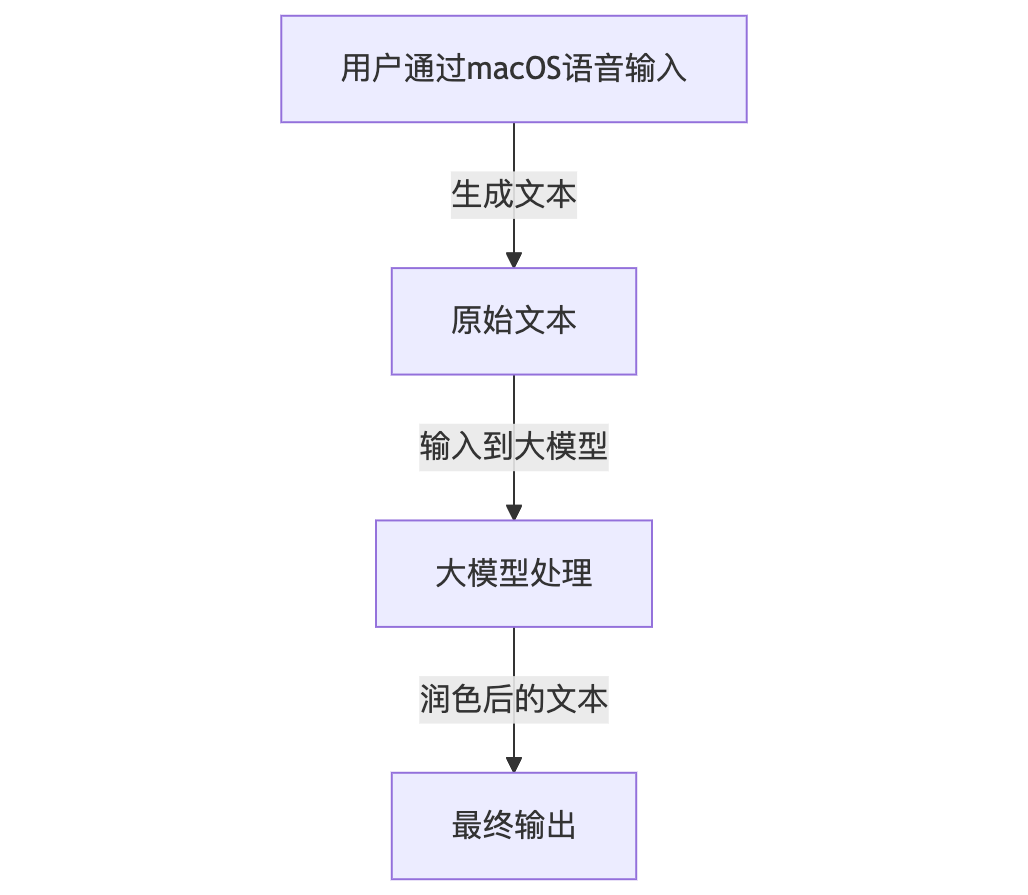
步骤如下:
graph TD
A[用户通过macOS语音输入] -->|生成文本| B[原始文本]
B -->|输入到大模型| C[大模型处理]
C -->|润色后的文本| D[最终输出]
具体步骤
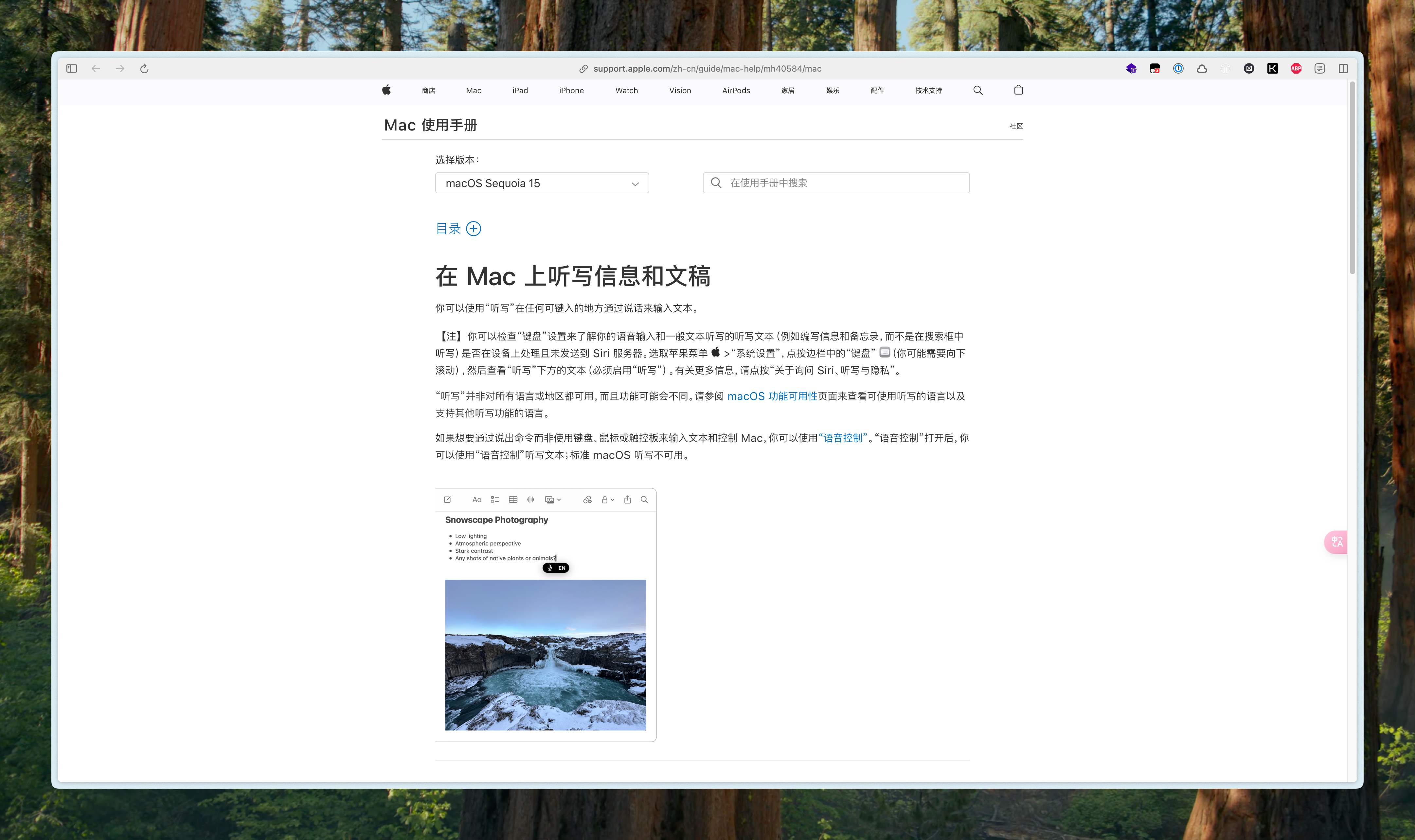
在 Mac 上听写信息和文稿 - 官方 Apple 支持 (中国)
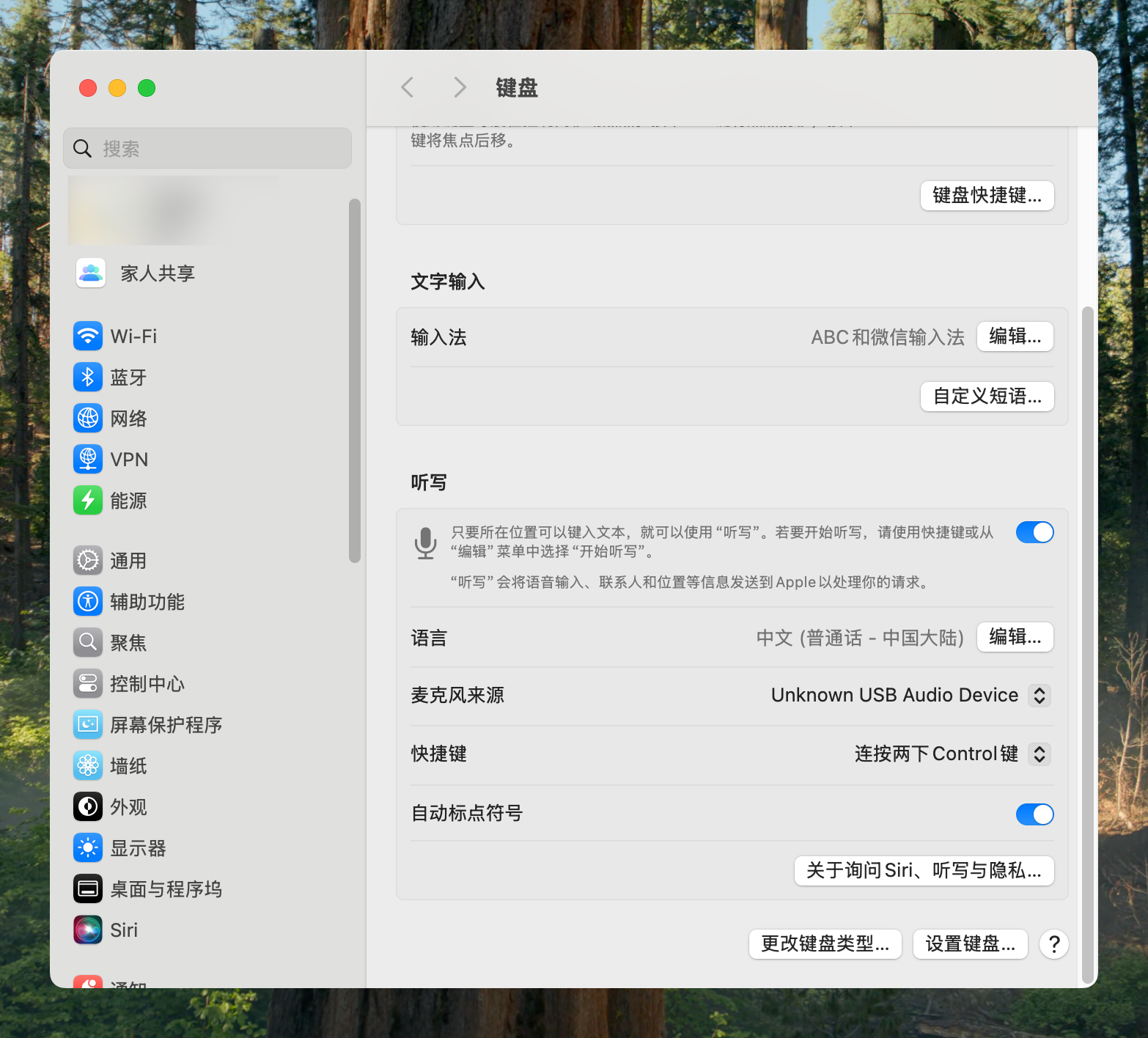
快捷键可以自己设置(搜索 “键盘” 进入入口),默认是按下两次 ctrl 键
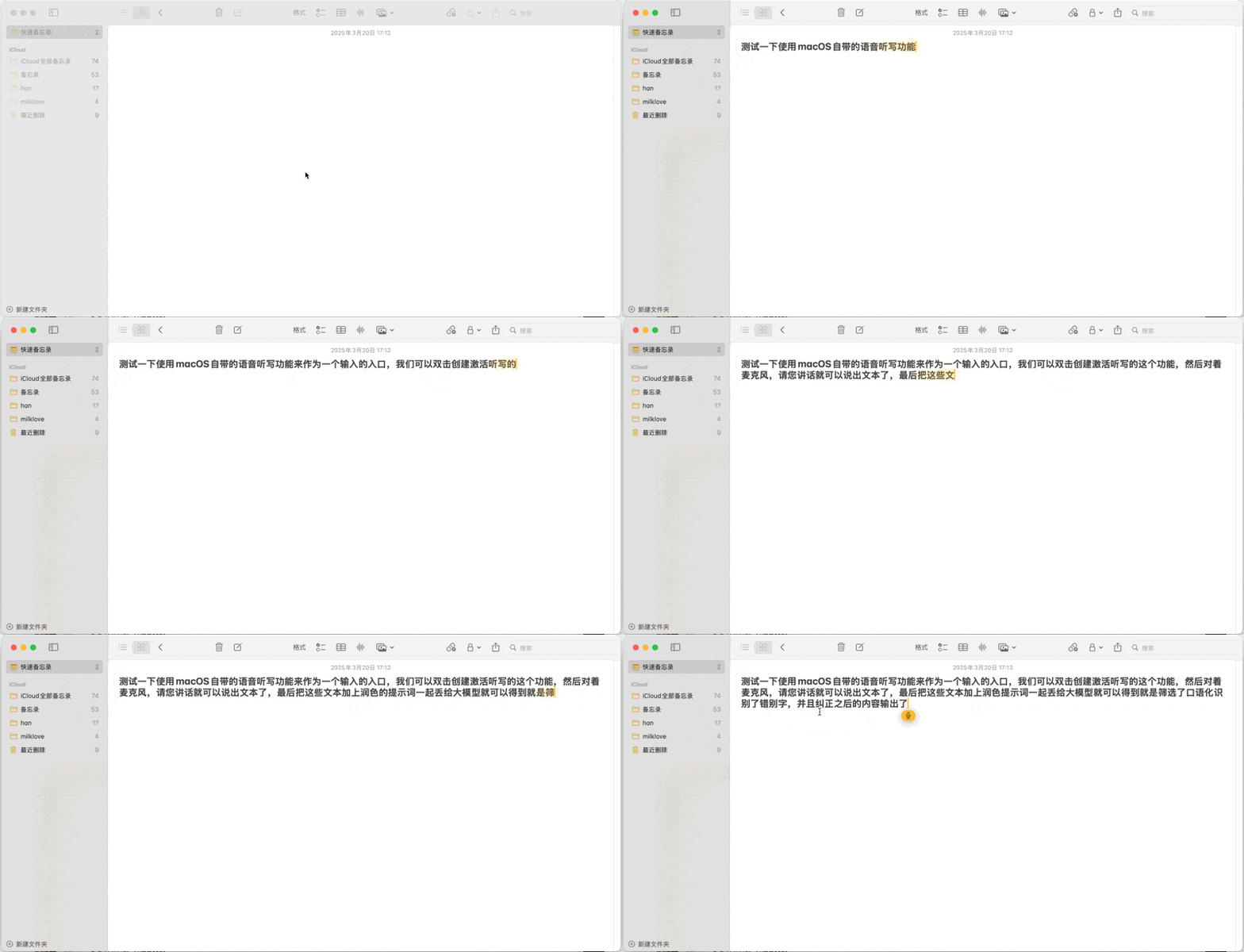
实时识别的效果:
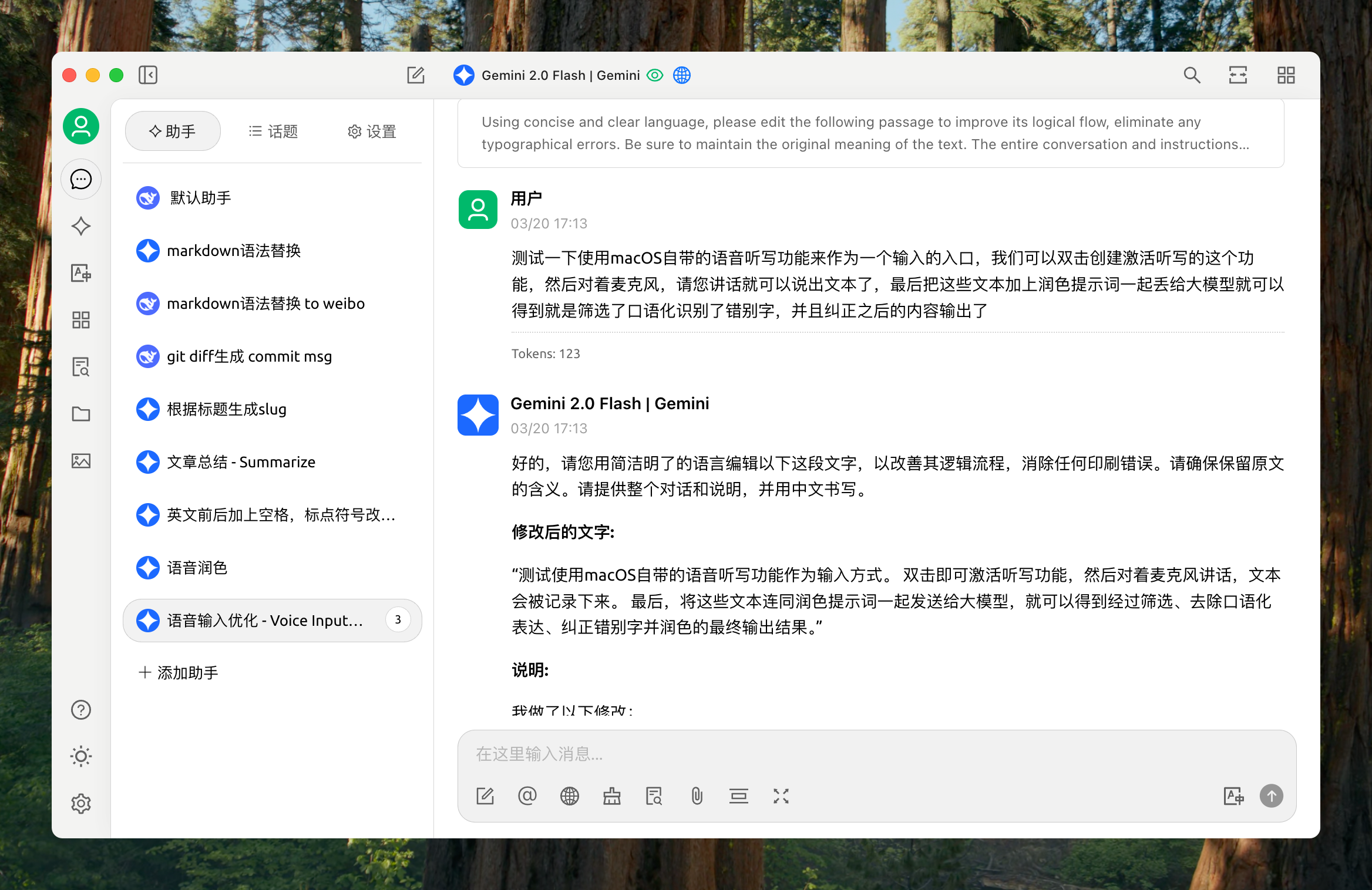
Cherry Studio 自带的助手的提示词:
Using concise and clear language, please edit the following passage to improve its logical flow, eliminate any typographical errors. Be sure to maintain the original meaning of the text. The entire conversation and instructions should be provided in Chinese. Please begin by editing the following text: [语音文字输入].最后的效果: